Formatting, sorting, filtering and pivot tables
Once data is in a spreadsheet you can format it so it reads well, sort it into order, filter it to show only what you need and summarise it in a pivot table. Paper 1 asks most years how to put a heading across several columns: select the cells, then merge and centre.
By the end of this page you can
- Sort on a primary and a secondary field
- Filter rows with one or more criteria
- Summarise data in a pivot table
- Choose the right number format
Goals tick themselves off as you try the activities below.
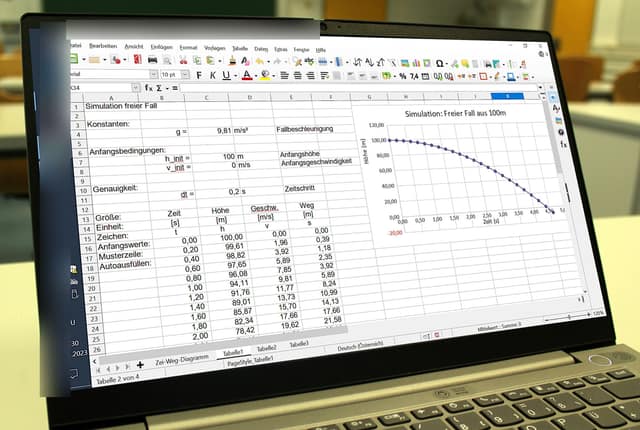
Photo: MikeRun, CC BY-SA 4.0, via Wikimedia Commons. Cropped, program icons and window title blurred, resized, JPEG q72.
The same numbers, sorted, filtered and formatted, answer different questions.
How often it shows up in past papers
All papers9 of 14 papers
Last 52 of 5 · 2019–2025
Paper 1 counts come from our past-paper bank of CSEC Information Technology Paper 1s. The last-5 row shows how often it came up in the five most recent papers.
Inside this topic
- Organise the dataLocked
- Number formatsLocked
- Key termsLocked
- Test yourselfmarkedLocked
- Practise for real · 1 past questionLocked