Software and user interfaces
Software is the set of programs that tells the hardware what to do. System software runs the computer itself; application software does the user’s jobs. The user interface is how you talk to it. Paper 1 asks one interface question most years: where you must remember commands and their syntax, the answer is command-driven.
By the end of this page you can
- Tell system software from application software
- Sort applications into general-purpose and special-purpose
- Weigh up off-the-shelf, custom-written and customised software
- Compare command-line, menu-driven, graphical and touch interfaces
- Answer software and interface questions
Goals tick themselves off as you try the activities below.
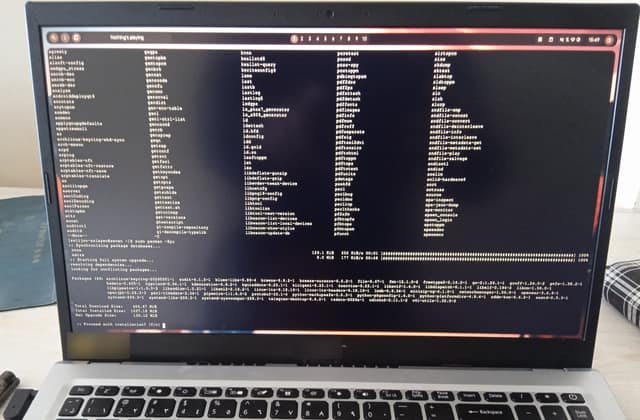
Photo: Solijon Solayev, CC BY-SA 4.0, via Wikimedia Commons. Cropped, laptop maker’s logo and sticker blurred, resized, JPEG q72.
System software at work: the operating system updating itself, driven by typed commands.
How often it shows up in past papers
Paper 1 counts come from our past-paper bank of CSEC Information Technology Paper 1s. The last-5 row shows how often it came up in the five most recent papers.
Inside this topic
- Kinds of softwareLocked
- Four interfacesLocked
- Key termsLocked
- Test yourselfmarkedLocked
- Practise for real · 3 past questionsLocked