Editing, reviewing and protecting documents
Editing changes what a document says and how it is organised; reviewing checks it; protecting keeps it safe. Paper 1 asks the same thing almost every year: selecting or highlighting a paragraph creates a block, and every block operation starts with selecting the text.
By the end of this page you can
- Use block operations and find and replace
- Edit tables and columns
- Use the review tools and an automatic table of contents
- Choose a way to protect a document
- Answer editing questions
Goals tick themselves off as you try the activities below.
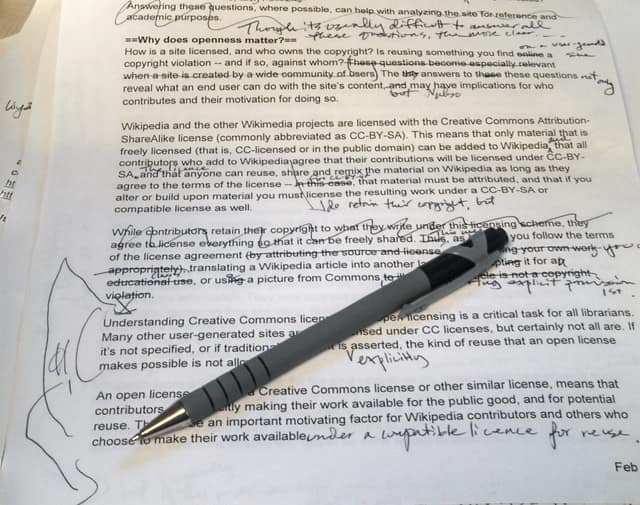
Photo: Phoebe, CC BY-SA 3.0, via Wikimedia Commons. Cropped to the marked-up page, resized, JPEG q72.
Editing on paper means crossing out and rewriting. A word processor does the same with cut, paste, replace and track changes.
How often it shows up in past papers
All papers13 of 14 papers
Last 55 of 5 · 2019–2025
Paper 1 counts come from our past-paper bank of CSEC Information Technology Paper 1s. The last-5 row shows how often it came up in the five most recent papers.
Inside this topic
- Edit and reviewLocked
- Protect itLocked
- Key termsLocked
- Test yourselfmarkedLocked
- Practise for real · 1 past questionLocked