Building a database
Building a database starts with the table structure: each field’s name, its data type and the primary key. Then the records are entered. Paper 1 asks how to remove a field: open the table in design view and delete it.
By the end of this page you can
- Choose a data type for each field
- Add, delete and change fields in design view
- Set a primary key and join tables
- Design a table for a given purpose
Goals tick themselves off as you try the activities below.
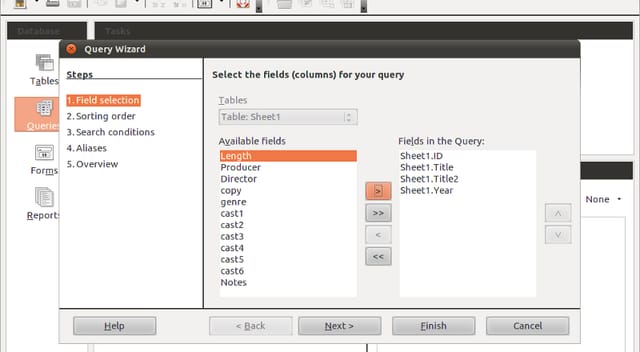
Photo: The Document Foundation, CC BY-SA 3.0, via Wikimedia Commons. Cropped to the query wizard, JPEG q80.
Every table starts as a list of fields, each with a name and a data type.
How often it shows up in past papers
All papers5 of 14 papers
Last 53 of 5 · 2019–2025
Paper 1 counts come from our past-paper bank of CSEC Information Technology Paper 1s. The last-5 row shows how often it came up in the five most recent papers.
Inside this topic
- Design the tableLocked
- Five data typesLocked
- Key termsLocked
- Test yourselfmarkedLocked