Copying formulas: relative and absolute addresses
Write a formula once, then copy it down or across with the fill handle. A relative address such as B3 shifts as it is copied; an absolute address such as $B$5 stays fixed. Paper 1 gives =B3+B4+$B$5 in B6 and asks what it becomes one column across.
By the end of this page you can
- Predict how a relative address changes when copied
- Use $ to make an absolute address
- Insert, delete and freeze rows and columns
- Work out a copied formula
Goals tick themselves off as you try the activities below.
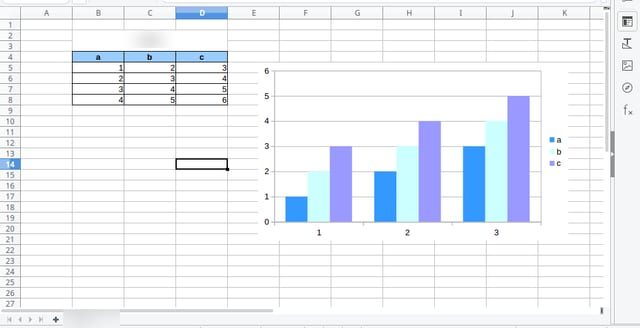
Photo: Yanpas, CC BY-SA 4.0, via Wikimedia Commons. Cropped to the sheet (title bar and menus removed), product name and sheet tab blurred, JPEG q82.
Every cell has an address: column letter, then row number. Copying a formula moves those addresses.
How often it shows up in past papers
All papers8 of 14 papers
Last 54 of 5 · 2019–2025
Paper 1 counts come from our past-paper bank of CSEC Information Technology Paper 1s. The last-5 row shows how often it came up in the five most recent papers.
Inside this topic
- Relative and absoluteLocked
- Changing the sheetLocked
- Key termsLocked
- Test yourselfmarkedLocked